
Table of Contents
Google Analytics 4 (GA4) introduced a more flexible and user-centric way of measuring user interactions compared to Universal Analytics (UA). One of the significant changes was in the way conversions (or what were previously known as “goals” in UA) are defined and tracked
Here’s a detailed explanation of conversions in Google Analytics 4:
What are Conversions in GA4?
In GA4, conversions refer to any valuable user actions on your website or app. These can be anything from a user making a purchase, signing up for a newsletter, downloading an ebook, or any other action that’s valuable to your business.
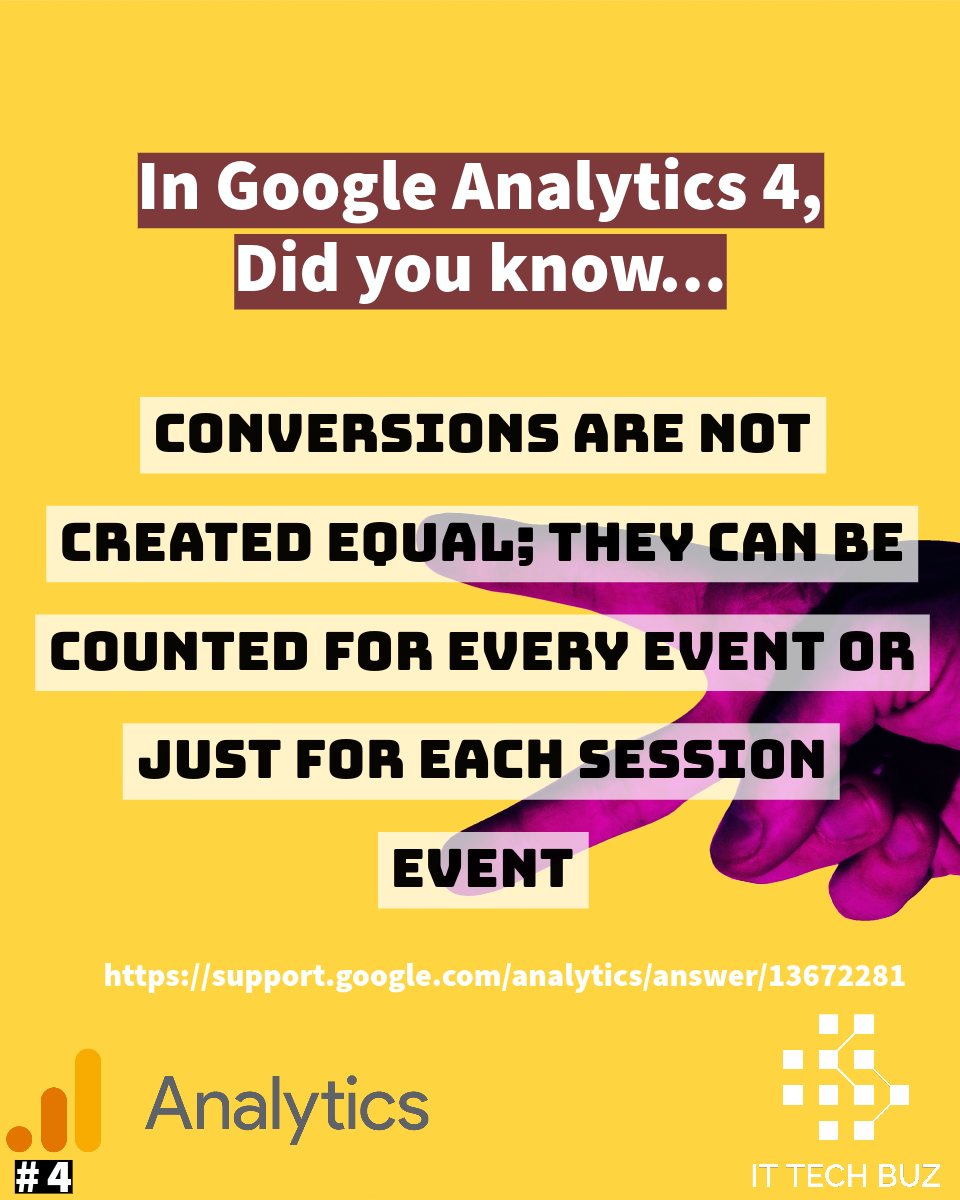
“Conversions can be counted for each time they happen or only one time for each session like on Universal Analytics.”
How to Set Up Conversions in GA4:
In GA4, any event can be marked as a conversion. This is different from UA, where only specific goals could be defined as conversions.
To set up a conversion:
- Go to your GA4 property.
- Click on “Events” under the “Configure” section.
- Locate the event you want to mark as a conversion and click on it.
- Toggle the “Mark as conversion” switch.
- Your event is now tracked as a conversion.
Conversions Reporting:
You can find data on your conversions in various parts of the GA4 interface.
The “Life Cycle” reports will show conversion data in the context of the user journey, from acquisition to engagement and finally to conversion.
The “User” reports help you understand more about the audience converting on your site.
The “Events” reports show detailed data about the conversion events you’ve marked.
Comparing Conversions Across Segments:
One of the powerful features in GA4 is the ability to quickly compare conversions across user segments. You can create segments based on various parameters and then see how different groups of users convert.
Value-driven Conversions:
In GA4, you can assign a monetary value to your conversions. This helps you quantify the impact of conversions on your business. It’s especially useful when analyzing return on ad spend or the overall value of your traffic.
Flexibility with Conversion Attribution:
GA4 introduces a more flexible approach to attribution. It allows for more sophisticated attribution models that can account for multiple touchpoints in a user’s conversion journey, unlike UA’s last-click model.
Source:
https://support.google.com/analytics/answer/13672281
Need training ?
People like you are reading:
- Agentic AI Marketing & The IDIRA Framework
 Agentic AI Marketing & The IDIRA Framework: Data Integration Fuels Economic Value The Big Picture In 2026, digital strategy has evolved from chatbots that talk to Agentic AI that acts….
 - Navigating the EU AI Act and GDPR in Marketing Analytics
 Compliance as Advantage: Navigating the EU AI Act and GDPR in Marketing Analytics Executive Summary As we approach the full application of the EU AI Act on 2 August 2026,…
 - How to optimize Google Analytics 4 with the IDIRA framework?
 Executive Summary Is your data a goldmine or a “graveyard”? In 2025, access to data is no longer a competitive advantage; speed to insight is. According to the latest Superpowers…
 - Omnichannel Integration Strategy: Data integration
 Omnichannel Integration Strategy: The modern customer journey is no longer linear; it is a complex web of touchpoints that demands immediacy and relevance
 - AI in Marketing Analytics 2026
 A Guide to AI in Marketing Analytics 1. Introduction: Beyond the Hype to the Agentic Age For decades, marketing analytics has been about looking in the rearview mirror, reporting on…





This post is also available in:
 Português (Portuguese (Portugal))
  Español (Spanish)